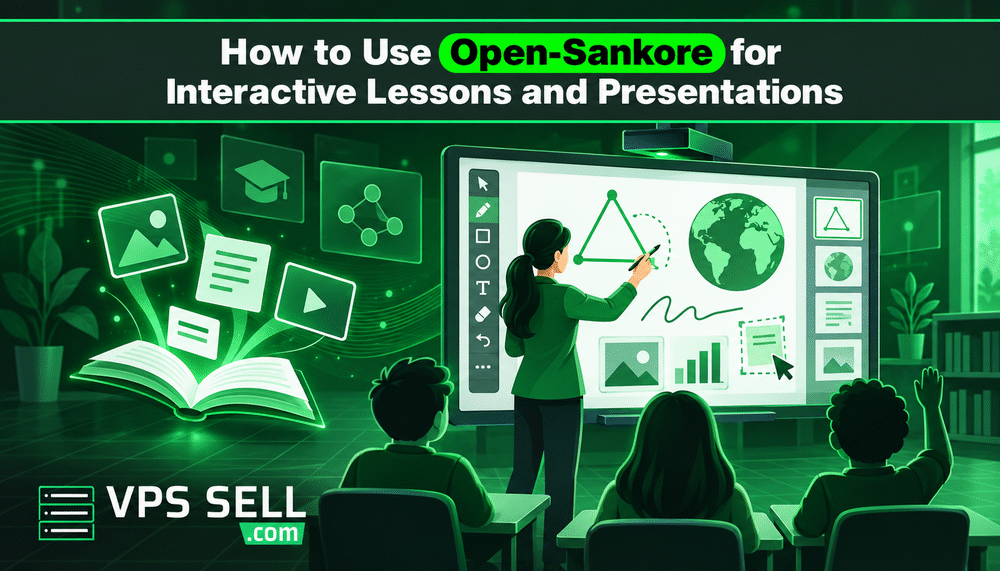
How to Use Open-Sankore for Interactive Lessons and Presentations
Technology has changed the way teachers create and deliver lessons. Instead of using only textbooks and a whiteboard, teachers can use digital tools to create more visual and interactive learning experiences. Open-Sankore is an open-source interactive whiteboard software that can be used to create lessons, presentations, and classroom activities. It can be useful for teachers who want to bring more digital content into their lessons.
What Is Open-Sankore?
Open-Sankore is interactive whiteboard software designed for teaching and presentations. It allows teachers to create pages, add content, and present lessons using a computer and display or interactive whiteboard. Teachers can use it to prepare lessons before class and then use the same material during the lesson.
Create Interactive Lessons
One of the main uses of Open-Sankore is creating interactive lessons. Instead of presenting information as plain text, teachers can organise content into different pages and add visual materials to support the topic. For example, a teacher can create a lesson with images, diagrams, text, and other learning materials. This can make lessons easier for students to follow.
Add Images and Other Content
Visual content can be useful when explaining difficult topics. Teachers can add images and other resources to their lesson pages to support explanations. For subjects such as science, geography, mathematics, and history, visual materials can help students understand topics more easily.
Use Open-Sankore for Presentations
Open-Sankore can also be used to prepare presentations for classrooms, workshops, and training sessions. Teachers can organise information into pages and move through the presentation during the session. This gives teachers more control over how the content is presented compared with a traditional presentation.
Make Lessons More Engaging
Interactive lessons can give students more opportunities to participate. Teachers can use the digital whiteboard to explain concepts, highlight important information, and work through examples during the lesson. Instead of simply reading information from a screen, teachers can build the lesson as they teach.
Prepare Lessons Before Class
Teachers can prepare their Open-Sankore lessons before entering the classroom. Having the lesson content ready can help save time and keep the class organised. It also allows teachers to review the lesson structure and make changes before presenting it to students.
Use Open-Sankore in Different Learning Environments
Open-Sankore can be useful in schools, tuition classes, training centres, and other educational environments where digital presentations are used. Teachers can adapt their lesson materials based on the subject, class level, and teaching method.
Tips for Creating Better Lessons
When creating an interactive lesson, keep the content simple and organised. Avoid adding too much information to a single page. Use images and visual elements when they help explain the topic, and organise the lesson in a logical order. Most importantly, make sure the digital content supports the teacher's explanation rather than replacing it.
Final Thoughts
Open-Sankore can be a useful tool for teachers who want to create interactive lessons and digital presentations. With properly prepared lesson materials, teachers can use a computer and display or interactive whiteboard to create a more visual classroom experience. For educators looking to introduce more digital tools into their teaching, learning how to create and use interactive lessons with Open-Sankore can be a practical starting point.